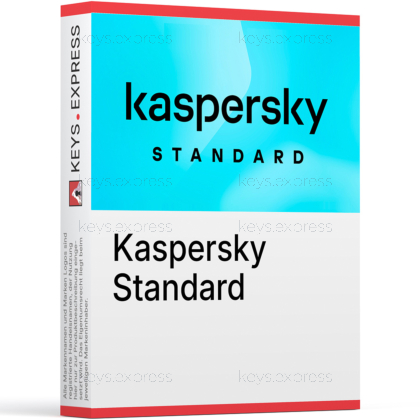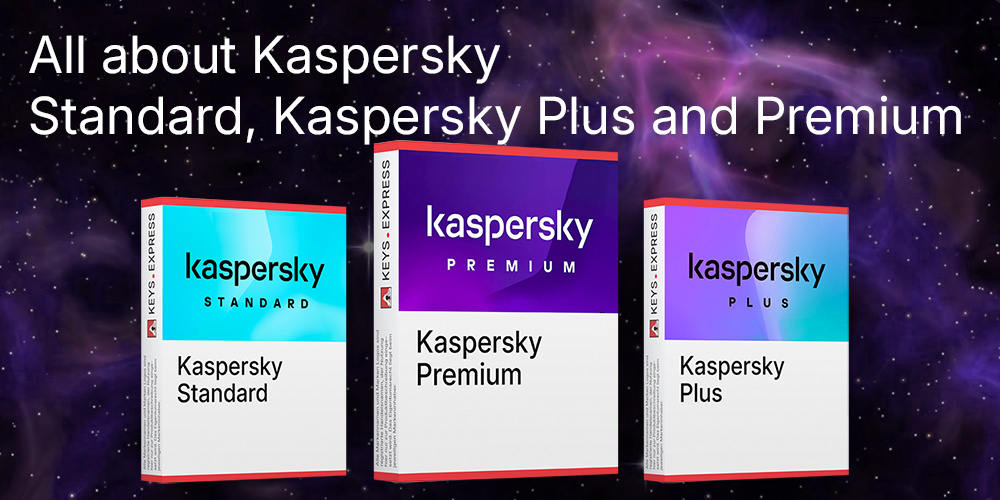
Kaspersky Standard is positioned as an everyday security suite designed for users who want dependable protection without unnecessary complexity. It combines strong antivirus detection with modern web-protection layers, system performance optimization, and privacy-focused safeguards. The suite is supported by Kaspersky's global threat-intelligence network and performs well in independent lab tests, which reinforces trust in its detection quality. Its interface is streamlined, so most protection runs automatically in the background while users keep full visibility through the My Kaspersky online portal.
What does Kaspersky Standard do against everyday threats?
The suite uses real-time protection, heuristic analysis and cloud-based detection to stop viruses, ransomware, spyware and zero-day threats early. The focus is on automatic measures so that users rarely need to intervene.
How does the software protect when surfing the internet?
A multi-layered web defense blocks dangerous sites, fraudulent stores and phishing forms. Downloads are checked immediately and suspicious scripts on websites are blocked.
Does Kaspersky Standard affect device speed?
The product is designed for high performance. It uses resource-saving scans, intelligent update mechanisms and adapted background processes so that older systems also run smoothly.
Are there functions to protect privacy?
Yes. The software prevents tracking, warns of unsafe data collection, blocks spyware activity and analyzes network connections. Users retain control over which applications access their camera, microphone and personal data.
How does the firewall help in everyday life?
The intelligent firewall monitors incoming and outgoing connections and automatically detects unusual behavior. Users rarely need to adjust settings as the rules are created dynamically.
Does it include protection against ransomware?
Kaspersky Standard monitors sensitive files, detects encryption attempts and prevents unauthorized changes. The System Watcher restores previous file versions in an emergency.
How is it managed on multiple devices?
Protection status, settings, licenses and scans can be managed centrally via the My Kaspersky portal. This is particularly useful if several devices in the household need to be protected.
How does the software stay up to date?
Automatic updates ensure that signatures, modules and protection mechanisms are always up to date. The updates run quietly in the background and without interrupting your work.
All product information is provided without guarantee. Errors and technical changes reserved.
Binding information can be obtained directly from the manufacturer. Please check this before making your purchase.
Windows: Operating System: Windows 11, 10, 8.1, 8, 7 SP1
Processor: 1 GHz or higher (x86 or x64)
RAM: 1 GB (32-bit) or 2 GB (64-bit)
Hard Disk Space: 1500 MB free space
Screen Resolution: Minimum 1024 × 768
Internet Connection: Required for activation, updates, and feature access
macOS: Operating System: macOS 13 to 15
RAM: 4 GB
Hard Disk Space: 3455 MB free space
Internet Connection: Required for activation, updates, and feature access
Android: Operating System: Android 10 to 15
Hard Disk Space: 150 MB free space
Screen Resolution: Minimum 320 × 480
Internet Connection: Required for activation, updates, and feature access
iOS: Operating System: iOS 18
Hard Disk Space: 150 MB free space
Internet Connection: Required for activation, updates, and feature access