This is a demo store. No orders will be fulfilled.


Visual Studio 2026 Professional or Enterprise: All features and differences in a table
February 13, 2026
Views:
487
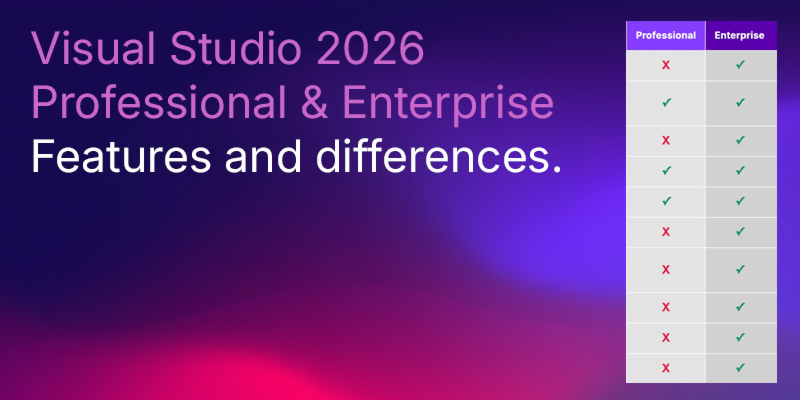
| Visual Studio 2026 features | Professional | Enterprise |
|---|---|---|
| Create and fully edit code maps | X | ✓ |
| Open code maps (read-only) / filter / generic nodes / generate new directed graph from selection | ✓ | ✓ |
| Create dependency diagrams (layer diagrams) | X | ✓ |
| Read dependency diagrams (layer diagrams) (read-only) | ✓ | ✓ |
| Live dependency validation (real-time architecture checks against dependency diagram) | X | ✓ |
| Code Clone Analysis (find duplicates/similar code) | X | ✓ |
| IntelliTrace (historical debugging) | X | ✓ |
| Snapshot Debugger (snappoints/logpoints for live/production scenarios) | X | ✓ |
| Time Travel Debugging (TTD, in Snapshot Debugger scenarios) | X | ✓ |
| Live unit testing | X | ✓ |
| Microsoft Fakes (unit test isolation) | X | ✓ |
| IntelliTest (deprecated in VS 2026) | X | ✓ |
| Code Coverage (integrated) | ✓ | ✓ |
| Unit Testing (Test Explorer, Debug Tests, Adapter Integration) | ✓ | ✓ |
| Create/edit directed graphs (DGML) | ✓ | ✓ |
Disclaimer
This article is for general information purposes only and does not constitute a sales or licensing recommendation. All information has been compiled to the best of our knowledge, but is provided without guarantee of completeness or accuracy. License conditions are subject to change and may be interpreted differently in individual cases. The content does not replace individual legal or licensing advice.
February 13, 2026


Related Products

Microsoft Visual Studio 2017 Professional Key
Special Price
105,80 €
Regular Price
132,20 €
Microsoft Visual Studio 2017 Enterprise Key
Special Price
114,60 €
Regular Price
143,30 €
Microsoft Visual Studio 2019 Professional Key
Special Price
123,50 €
Regular Price
154,40 €
Microsoft Visual Studio 2019 Enterprise Key
Special Price
132,40 €
Regular Price
165,50 €
Microsoft Visual Studio 2022 Professional Key
Special Price
141,30 €
Regular Price
176,60 €
Microsoft Visual Studio 2022 Enterprise Key
Special Price
150,20 €
Regular Price
187,80 €
Microsoft Visual Studio 2026 Professional Key
Special Price
159,90 €
Regular Price
199,90 €
Microsoft Visual Studio 2026 Enterprise Key
Special Price
167,90 €
Regular Price
209,90 €
Popular Posts

Back to Top






