
Windows 11 Home
The ideal edition for everyday users. Simple, secure and built for personal productivity.
Shop Windows 11 HomeBuy Office 2024, 2021, 2019 or 2016 as a one-time purchase. Genuine key(s). Instant delivery. Best price guarantee.
 Activation Guarantee
100% successful activation
Activation Guarantee
100% successful activation
 Instant Delivery
Key(s) in seconds
Instant Delivery
Key(s) in seconds
 7-language Support
We're here to help
7-language Support
We're here to help
 Rated Excellent
4.8 out of 5 on Trustpilot
Rated Excellent
4.8 out of 5 on Trustpilot

Three editions tailored for different needs.
The ideal edition for everyday users. Simple, secure and built for personal productivity.
Shop Windows 11 Home
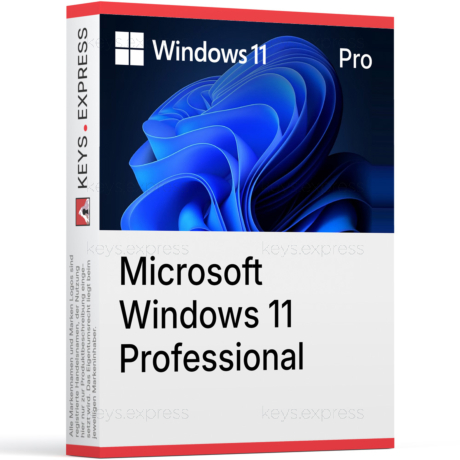
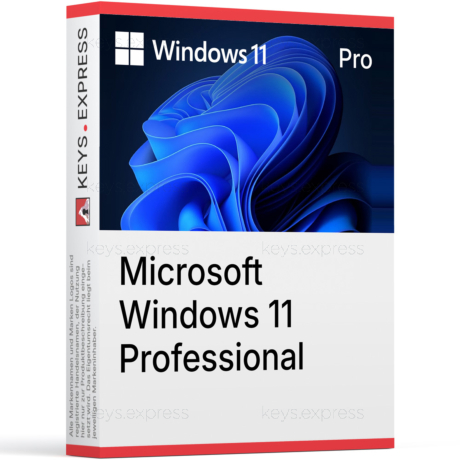
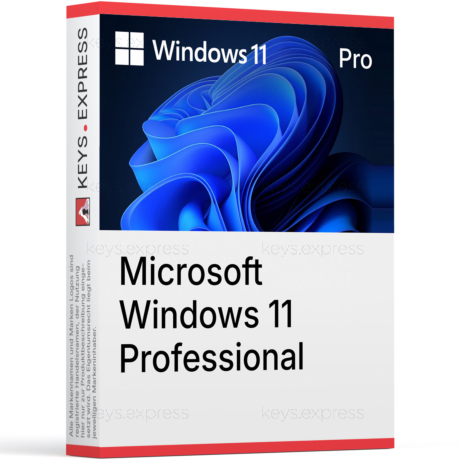
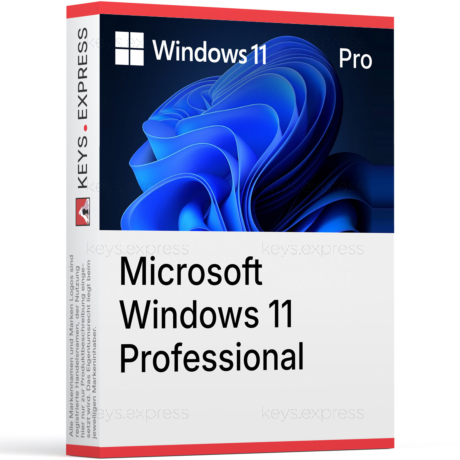
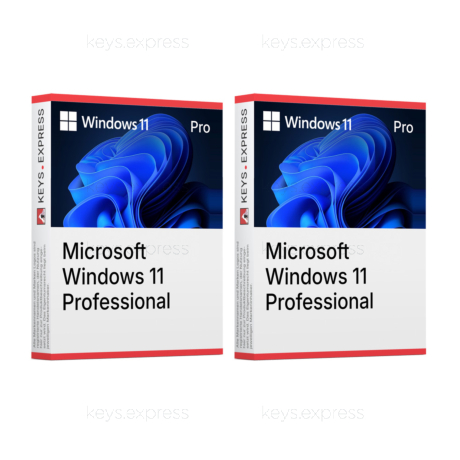
Built for professionals and businesses. BitLocker, Remote Desktop, domain join.
Shop Windows 11 Pro
Advanced management and security for enterprise. Volume key(s).
Shop EnterpriseCompare the key features across editions.
| Features | Home | Pro | Enterprise |
|---|---|---|---|
| Personal use | ✓ | ✓ | ✓ |
| Business use | — | ✓ | ✓ |
| BitLocker encryption | — | ✓ | ✓ |
| Remote Desktop | — | ✓ | ✓ |
| Domain join | — | ✓ | ✓ |
| Volume key(s) | — | — | ✓ |
Feature comparison based on official Microsoft specifications. Footnote
Pick the use case that matches you best.

Family computers and personal devices.
See Home →
Small and medium-sized companies.
See Pro →
Multi-PC households and teams.
See bundles →
IT teams needing extended protection.
See Enterprise →Selected key(s) for private users, professionals and companies.
Everything you need to work and create.
 Mail
Mail
 Edge
Edge
 Photos
 Cortana
 OneDrive
 Teams
Teams
 Xbox
Xbox
 Store
Store

Compare features and find the best fit for your needs.
Read article →
What is new, what is changed, what to expect.
Read article →
Which Office versions work best on Windows 11.
Read article →
OEM, Retail, Volume — understand the differences.
Read article →Pro adds business features like BitLocker, Remote Desktop and domain join.
Most home users will be fine with Windows 11 Home. Pro is meant for business use.
Eligible Windows 10 devices can upgrade to Windows 11 free of charge.
Enterprise is licensed via Volume Licensing programs, not for individual purchase.

Choose a path and we will guide you to the right edition.
 Instant delivery
Get your key(s) right away.
Instant delivery
Get your key(s) right away.
 Secure payment
Your data is protected.
Secure payment
Your data is protected.
 Customer support
7 days a week.
Customer support
7 days a week.
 Trusted by thousands
20,000+ happy customers.
Trusted by thousands
20,000+ happy customers.