Auf dieser Seite möchten wir Cookies (auch von Dritten) verwenden. Wenn Sie diese Website weiterhin nutzen oder auf ""Akzeptieren""
klicken, erklären Sie, damit einverstanden zu sein. Sie können Ihre Einwilligung jederzeit widerrufen.
Windows 11 Pro buying guide: choosing the right edition for work and advanced use
This category contains license keys for Windows 11 Professional, the Windows 11 edition for business PCs, self-employed users and demanding private users. Windows 11 Home and Windows 11 Pro share the same interface, the same hardware requirements and the same core performance. The differences sit in security, management and virtualization: Pro adds BitLocker drive encryption, Remote Desktop hosting, Hyper-V, Windows Sandbox, Group Policy and domain or Microsoft Entra ID join. The sections below answer the questions buyers ask most often, so you neither pay for features you will never enable nor pick an edition that blocks something you actually need.
What does Windows 11 Pro include that Windows 11 Home does not?
Windows 11 Pro contains every feature of the Home edition and adds business and power-user functions on top.
BitLocker drive encryption for internal and external drives Remote Desktop host: other devices can connect to your PC Hyper-V for running virtual machines Windows Sandbox for isolated testing of unknown software Group Policy for detailed system configuration Domain join and Microsoft Entra ID join for company networks Windows Update for Business with longer update deferral options If these features are not relevant for you, compare prices in the Windows 11 Home category.
Windows 11 Pro pays off for anyone who handles sensitive data, works remotely or manages more than one PC.
Self-employed users and small businesses protecting customer data with BitLocker Remote workers who need to reach their office or home PC via Remote Desktop Developers and IT staff who run virtual machines with Hyper-V Users who regularly test downloads or tools in Windows Sandbox Companies that connect PCs to a domain or Microsoft Entra ID
What should you check before buying Windows 11 Pro?
Check your hardware first, because the system requirements are identical for Home and Pro and older PCs may not meet them.
64-bit CPU from the Microsoft compatibility list, 4 GB RAM, 64 GB storage UEFI firmware with Secure Boot and TPM 2.0 are required Hyper-V additionally needs CPU virtualization support enabled in the firmware Pro supports up to 2 TB RAM and two physical CPUs, Home up to 128 GB RAM and one CPU If your PC does not meet the Windows 11 requirements, Windows 10 Professional remains available for older hardware.
How do Windows 11 Home and Windows 11 Pro compare in detail?
The table below summarizes the verified feature differences between the two editions.
Feature
Windows 11 Home
Windows 11 Pro
BitLocker encryption
✕
✓
Remote Desktop host
✕
✓
Hyper-V
✕
✓
Windows Sandbox
✕
✓
Group Policy
✕
✓
Domain / Entra ID join
✕
✓
Maximum RAM
128 GB
2 TB
Snap Layouts, Widgets, gaming features
✓
✓
When is Windows 11 Enterprise the better choice instead of Pro?
Windows 11 Pro covers most business scenarios, but larger organizations with central IT management may need the Enterprise edition.
Enterprise adds advanced security and management features such as AppLocker on top of Pro It is aimed at organizations with many managed devices and dedicated IT administration For single PCs, freelancers and small teams, Pro is usually the more practical choice Suitable licenses for larger environments are listed under Windows 11 Enterprise.
Is upgrading from Windows 10 Pro to Windows 11 Pro a sensible path?
Windows 11 Pro is the direct successor to Windows 10 Pro and keeps the same feature logic, so the switch is straightforward on compatible hardware.
Editions upgrade like for like: Windows 10 Pro moves to Windows 11 Pro BitLocker, Hyper-V, Remote Desktop and Group Policy work the same way as before PCs without TPM 2.0 or a supported CPU cannot install Windows 11 Back up your data before any in-place upgrade
At Keys.Express you receive your Windows 11 Pro product key by e-mail shortly after purchase, together with a download link and clear installation instructions. There is no shipping and no waiting for physical media. If a question comes up during download, installation or setup, our support team assists you, whether you are installing on a new PC, reinstalling after a hardware change or upgrading from an older Windows edition.




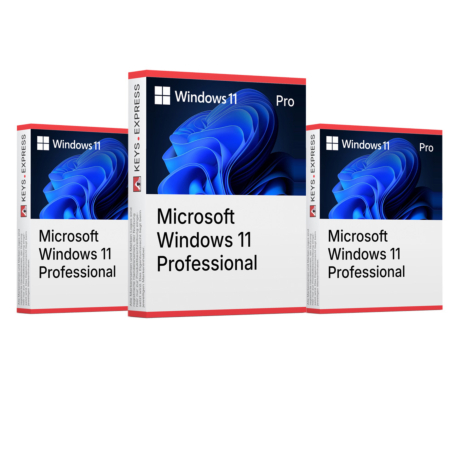
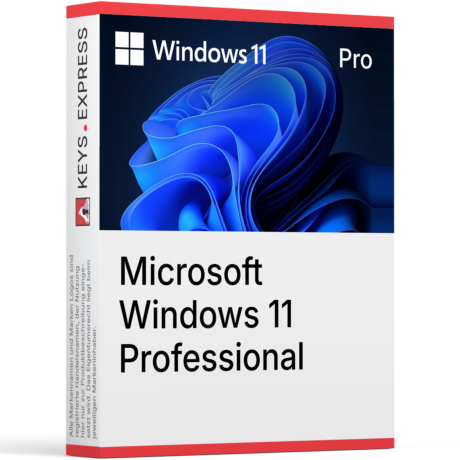
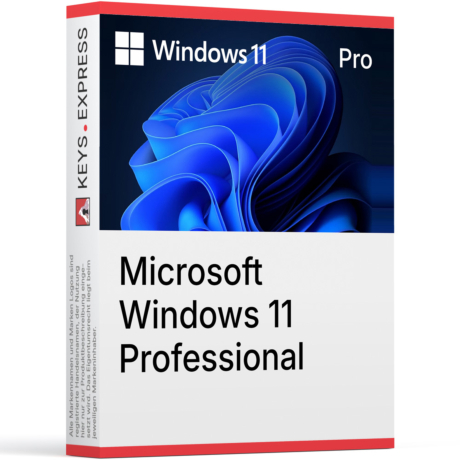 Microsoft Windows 11 Professional Key (5 PC)Sonderangebot Fr. 98.10 Regulärer Preis Fr. 122.602305
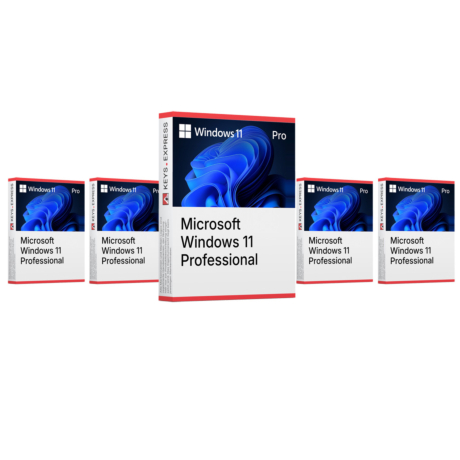
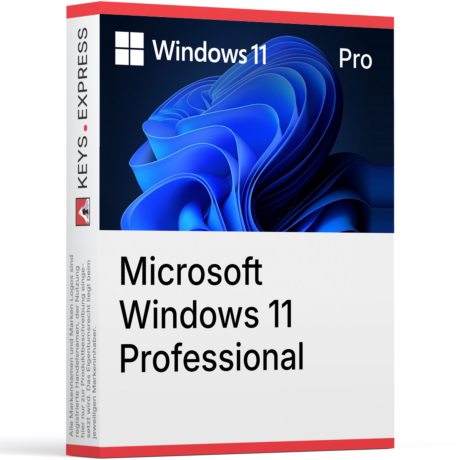 Microsoft Windows 11 Professional Key (20 PC)Sonderangebot Fr. 328.80 Regulärer Preis Fr. 410.952306